

Your clusters. Close at hand.
Switch clusters, read Pod logs and open a terminal from your iPhone, iPad or Mac. Keep your Kubernetes workflow within reach.
iPhone · iPad · Mac · macOS / GitHub ↗
01 / FIND YOUR CONTEXT
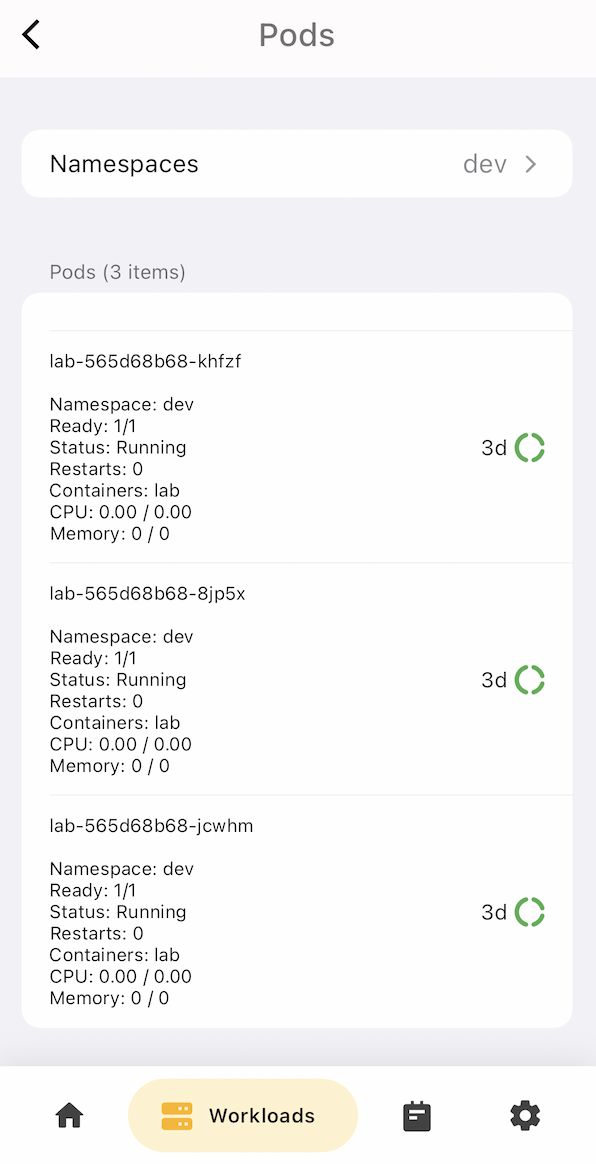
From a Pod to the details.
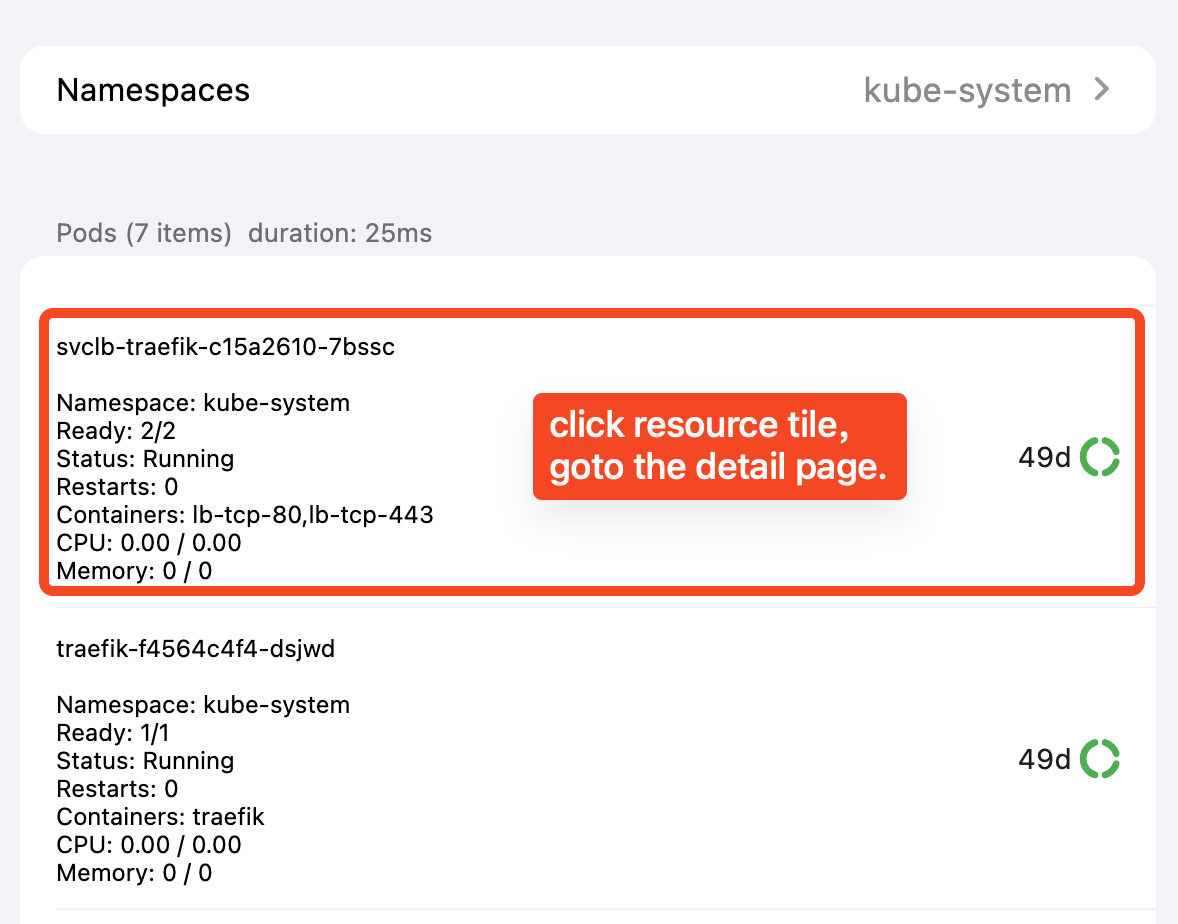
Browse workloads, check resource details and move between namespaces. Start with the resource you need, without losing sight of the cluster.
02 / POD TERMINAL
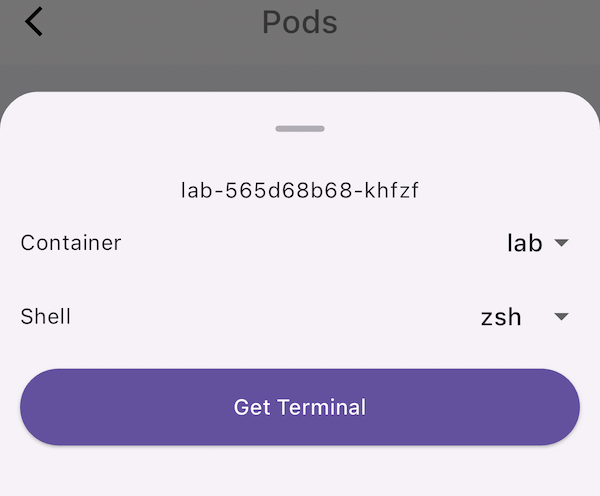
Get closer to the problem.
Open a Pod terminal when you need to investigate. Bring the command line into the same workflow as your cluster resources.
A few more things, thoughtfully connected.
Multiple clusters
Import your kubeconfig and switch between the clusters you work with.
Resource YAML
Inspect and export resource definitions for the next step in your workflow.
Direct connection
Connect from your device to the Kubernetes API server without a k8z cloud relay.
Good to know.
How do I connect my first cluster?
Start with your kubeconfig and follow the quick-start guide. Your device must be able to reach the cluster API server. Read more →
Where can I get the Mac version?
The installation guide includes platform-specific download options. macOS releases are also available on GitHub. Read more →
Where can I follow updates?
Browse the changelog for release history, or visit the repository to report a problem and contribute. Read more →
READY WHEN YOU ARE